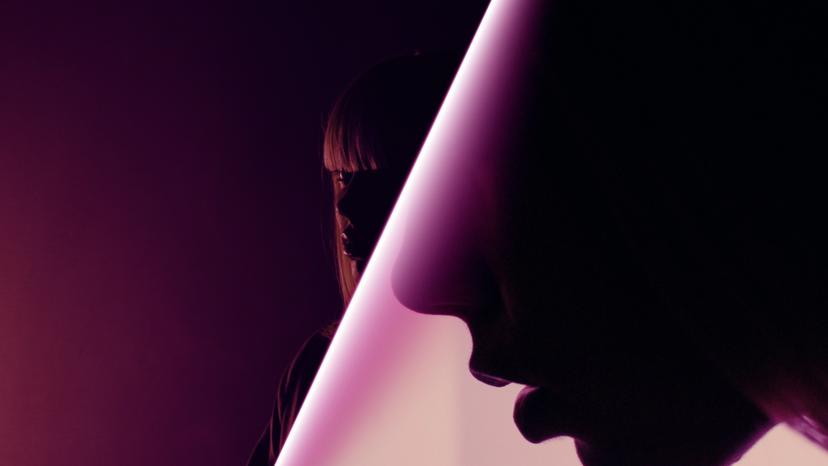
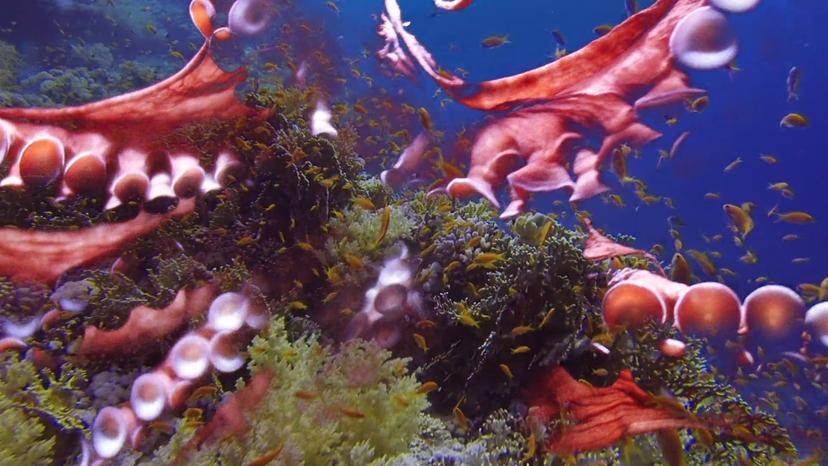
Neon Wipe: Ignite Your Edits with a Beam of Light!
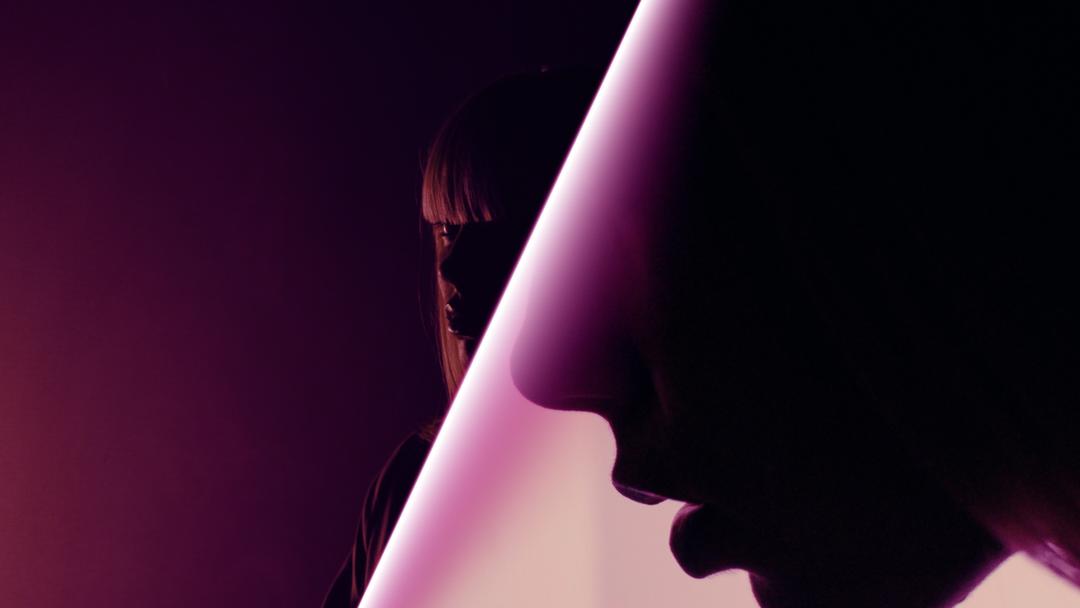
Want to add a sleek, high-tech glow to your videos? The Neon Wipe Effect brings an electrifying touch to your edits, creating a dynamic wipe that mimics the sweeping motion of a neon beam—like a cinematic light saber slicing across the screen. Whether you’re revealing a logo, transitioning between scenes, or adding a futuristic scan effect, Neon Wipe delivers a bold, eye-catching glow that energizes your footage.
Key Features:
- Striking neon beam effect for smooth, high-tech transitions
- Customizable glow, color, shape, and transparency for endless creative possibilities
- Real-time preview for instant feedback on your adjustments
- Simple drag-and-drop workflow for fast and intuitive editing
- Seamless integration with Adobe Premiere
What can Neon Wipe do for you?
The Neon Wipe Effect transforms your footage with a luminous, cinematic sweep of light. Whether you want a sleek, sci-fi edge or a bold and stylish way to reveal elements in your video, this effect delivers impact. Use it to unveil logos, introduce new scenes, or give your edits a high-energy, polished feel. The glowing beam adds a layer of sophistication and excitement, perfect for promos, music videos, and futuristic visuals.
How does Neon Wipe work?
Using the Neon Wipe Effect is effortless—simply drag and drop it onto your timeline. Customize the shape, glow, and transparency of the neon beam to match your creative vision. Adjust colors and intensities to create anything from subtle light sweeps to bold, eye-popping transitions. With real-time previews, you can fine-tune the effect on the fly and achieve the perfect look.
With Neon Wipe, your videos don’t just transition—they ignite. Let your creativity shine!
Get inspired!
Don’t forget to try out the Surprise Me button to discover the full potential of this video transition!
Elevate Your Editing Experience
Discover the powerful features that make your editing workflow more intuitive and efficient.
Visual Curve Editor
Take control of your animations with ease. Say goodbye to cumbersome keyframes—our visual curve editor gives you precise control and a clear visual of your animation paths, ensuring smoother results faster.
One Click, Endless Variations
Boost your creativity with a single click. The "Surprise Me" feature generates random iterations of your transitions or effects, inspiring fresh ideas and unique visuals.
Guided Overlays
Enhance your accuracy with visual overlays that guide your adjustments. Whether it’s rotation points, feather areas, or transition axes, our overlays provide a clear visual reference to make your edits more precise and effective.
GPU Accelerated
Blazing-fast rendering and lower export times