Blur to Color for Premiere: Transform Your Scene with Smooth, Vivid Transitions

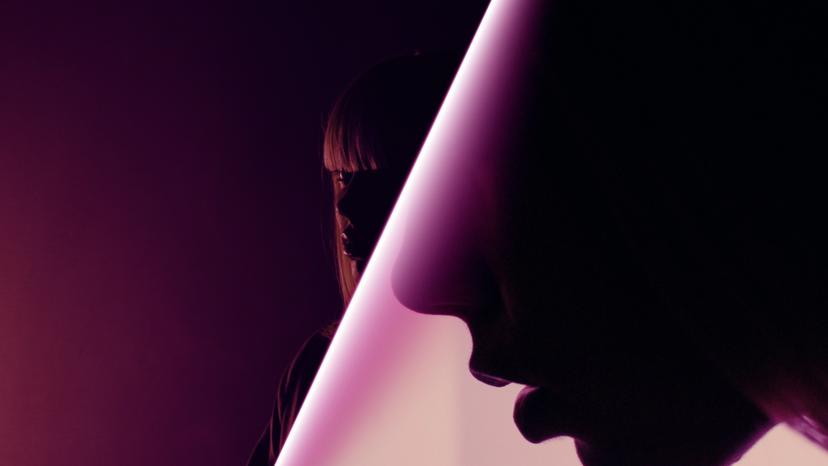
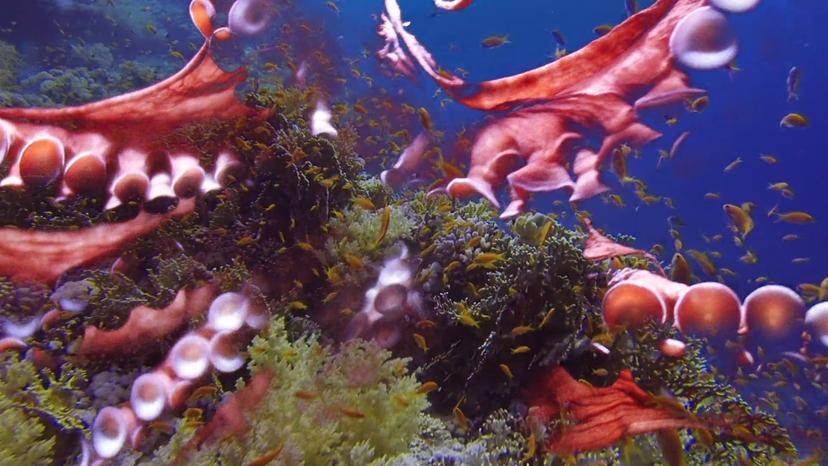
Need a creative way to shift between scenes while adding a splash of color? Film Impact’s Blur to Color transition softens your visuals into a blur, then gradually introduces vibrant color, offering a smooth and artistic transition between shots.
Check these key Features:
• Beautiful blur-to-color video transition for smooth scene changes.
• Fully adjustable blur intensity and color shift.
• Seamless transitions between clips, titles, or graphics.
• Real-time editing feedback for fast adjustments.
• GPU acceleration for flawless performance.
What Can Blur to Color Do for You?
The Blur to Color effect allows you to shift focus elegantly from one scene to the next by blurring out the details and then adding a color overlay. It’s a perfect tool to create artistic, dreamy video transitions, ideal for commercials, music videos, or creative content. This effect adds depth and visual interest to your storytelling, making your videos more engaging and professional.
How Does Blur to Color Work?
Simply drag and drop the Blur to Color effect onto your transition point and customize the blur level, color palette, and transition speed. You can choose how subtle or bold you want the effect to be, making it adaptable for any video style. The plugin works in real-time, so you can see your edits instantly and fine-tune them for the perfect result.
Get inspired!
This video transition is part of our Essentials collection. The basic toolkit for every clever editor. Every plugin makes use of the latest GPU acceleration technology for maximum performance. Try them all.
Feed Your Creative Flow
One Click, Endless Variations
Boost your creativity with a single click. The "Surprise Me" feature generates random iterations of your transitions or effects, inspiring fresh ideas and unique visuals.
GPU Accelerated
Blazing-fast rendering and lower export times
Fully HDR Compatible
Our plugins are fully HDR compatible