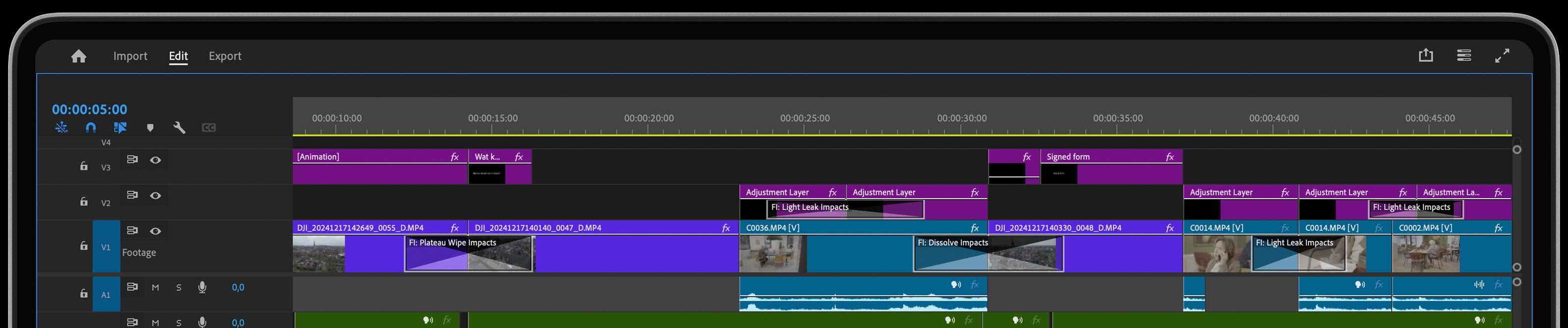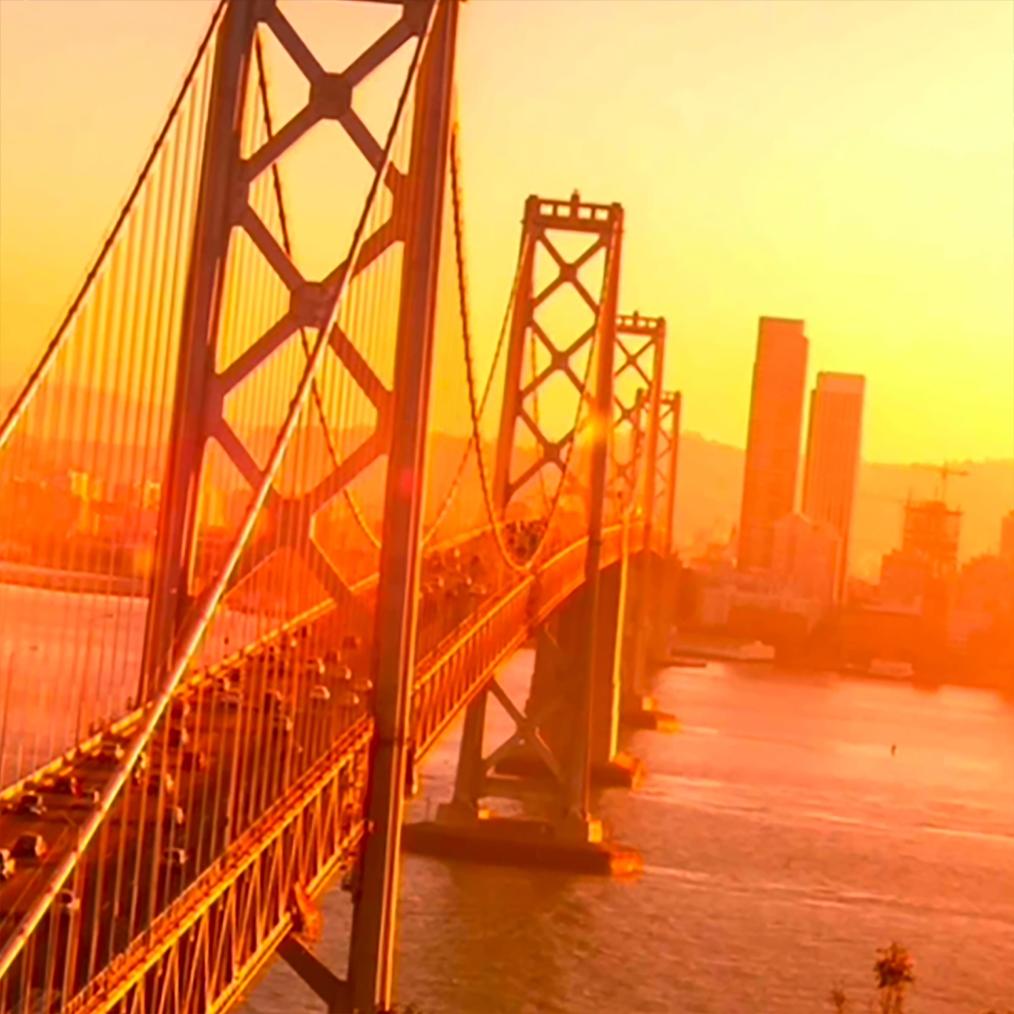
It doesn’t matter if you are making Movies, YouTube Videos, Instagram Reels, or Tik Toks: if you can’t retain the viewers’ interest you’ll fall behind. And what makes the viewer constantly engaged with your video? Movement, Unpredictability, and Novelty, accompanied by a great storyline.
The top 3 factors of retention.
Just look at some of the best performing Tik Toks or YouTube videos out there. All of them have 3 components as their foundation. Movement, Unpredictability, and Novelty.
It's the Viewers’ Retention Secret Nobody Talks About! But you can’t just have roughly cut-out scenes flashing before your eyes. You need everything to be smooth and satisfying to watch. And here is where we come in!
It’s our mission to bring YOU the best, newest, and most satisfying transitions, so that you can tap into your full potential and create something truly amazing. And we want to give you a taste of what’s possible.
1. Blur to Color Impacts
The Blur to Color transition is perfect for you if you want to add some liveness to your video with colors. Colors are what stimulate us on a subconscious level and are commonly used to grab our attention and channel it towards the desired outcome. Enjoy the variety of possibilities provided by the user-friendly controls of this colorful video transition. You can test out the new Duo-Tone feature or use the classic coloring options.
A bonus feature is that you can regulate both the Blur Duration and Dissolve Time individually. The chromatic aberration feature will enhance the natural, elegant, and dynamic look of your footage while giving you complete creative control over your transitions.
2. Dissolve Impacts
New times are coming and the classic Dissolve transition isn’t cutting it anymore. That’s why we at Film Impacts decided to reinvent the Dissolve transition in our unique way, empowering it with our innovative SmartVideo Editing™ Visual Curve Editor that gives you the ability to emphasize the soft feel of this elegant video transition.
And that’s not all. Additionally, we have added four new Dissolve Types to the mix, providing you with a simple way to adjust the brightness behavior during transitions. This enables you to create a more serene or flashy effect depending on your preferences.
3. Push Impacts
Push Impacts allows you to modify the acceleration and deceleration of the classic push effect to your desire using our SmartVideo Editing™ Visual Curve Editor. It also incorporates the innovative Motion Blur and Chromatic Aberration features to conjure the illusion of speed and to give your video transition a more elegant flow.
And there’s more. If you are worried about potential edge bleeding when combining Push Impacts with Motion Blur, then you’ll be happy to know that we have cooked up an inventive technology to prevent edge artifacts and preserve clean edges!
4. Roll Impacts
Our Roll Impacts transition is made to keep your viewers’ retention all of the time thanks to the Zoom functionality that is literally pulling you into the video! In addition to that, the new Stretch and Skew features accentuate the movement of the transition, adding a neat and energetic look to your video.
As with Push Impacts, Roll Impacts also incorporates the innovative Motion Blur feature that conjures the illusion of speed giving you a more elegant flow. Again, using our SmartVideo Editing™ Visual Curve Editor you can modify the acceleration and deceleration of the effect for more premium-looking results.
Get Those 4 Video Effects For Free
After trying our software for 30 days, the Push, Roll, Dissolve, and Blur-to-Color Impacts will remain free of watermarks. Use it for any video project you've got. And yes, that includes commercial video productions too!So, start by trying our 30-days of Free Unrestricted Access to ALL of our effects and transitions for Premiere. And the rest is easy...