Ray Effect for Premiere: Add Light and Drama to Your Transitions

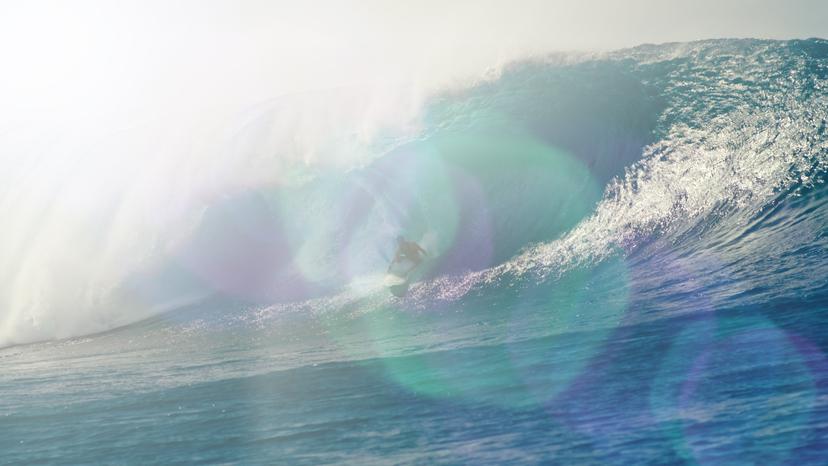
Looking to add a touch of cinematic flair or a dramatic light burst to your video transitions? Film Impact’s Ray Effect allows you to enhance your video with radiant beams of light, creating a dynamic and attention-grabbing scene shift.
Some highlights:
- Striking light ray effect that enhances video transitions.
- Customizable beam angle and intensity for full control.
- Seamless integration between video elements.
- Real-time feedback for efficient editing.
- GPU-optimized for smooth playback and performance.
What Can Ray Effect Do for You?
Ray Effect adds a burst of light that brings attention to your scene changes, making each video transition visually captivating. It’s perfect for adding drama, depth, and a touch of the extraordinary to your videos. Whether you’re working on action sequences, event highlights, or corporate videos, this effect creates a professional, polished look in seconds.
How Does It Work?
To use, simply drag and drop the Ray Effect onto your transition point. Adjust the angle, intensity, and length of the rays to match your creative vision. Whether you want a subtle light leak or a bold, glowing burst, this effect is fully customizable to achieve the exact look you’re going for—no coding required!
Get inspired!
This video transition has been highly optimized to make use of the latest GPU Acceleration Technology for maximum performance.
Feed Your Creative Flow
One Click, Endless Variations
Boost your creativity with a single click. The "Surprise Me" feature generates random iterations of your transitions or effects, inspiring fresh ideas and unique visuals.
GPU Accelerated
Blazing-fast rendering and lower export times
Fully HDR Compatible
Our plugins are fully HDR compatible