Create Motion Graphics in Premiere with Motion FX
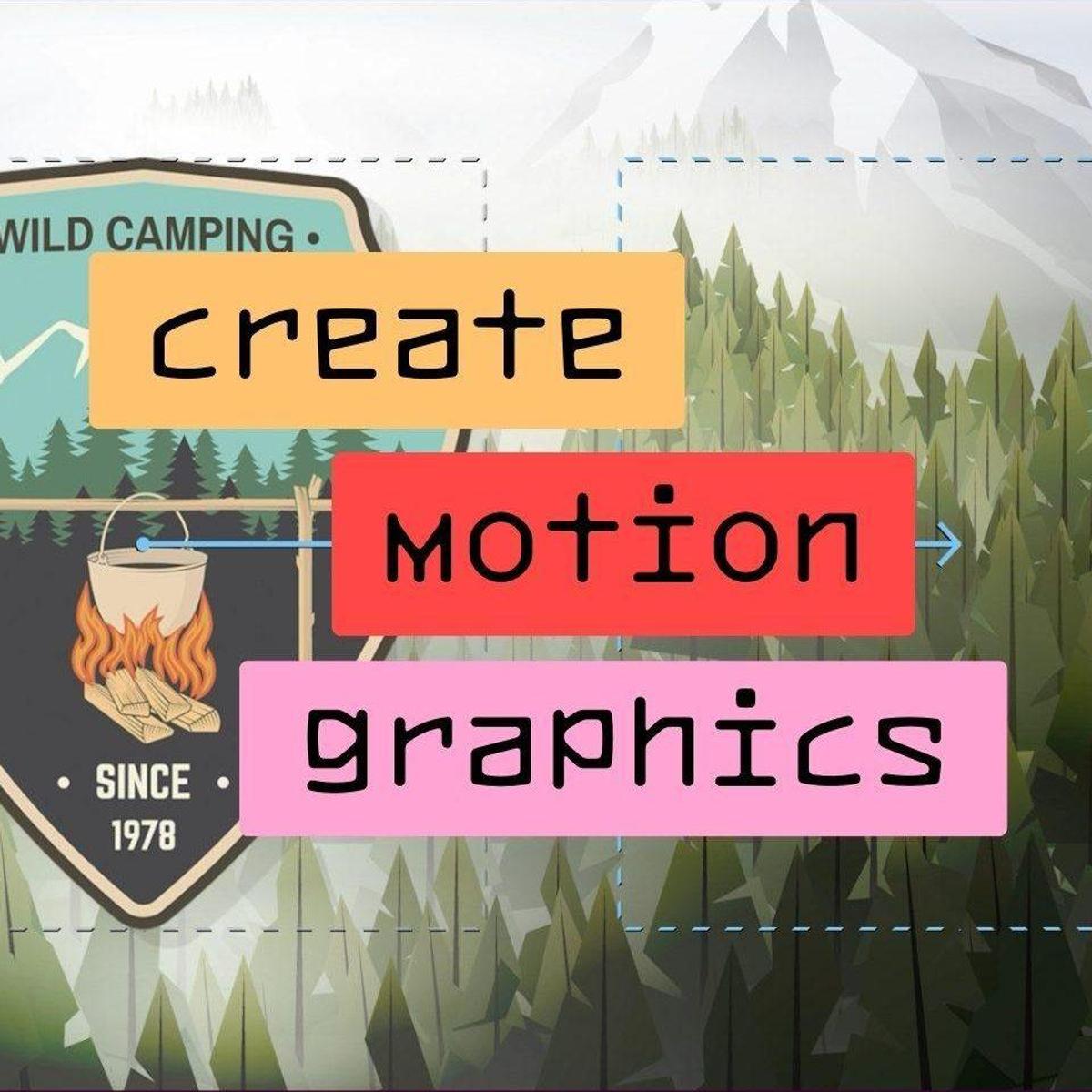
Welcome to our comprehensive tutorial on Film Impact's Motion FX, a useful toolset designed to enhance your video editing workflow in Adobe Premiere. In this video, we dive deep into creating dynamic animations without the need for complicated keyframes. Motion FX makes it simple and efficient whether you're looking to add smooth zooms with the Ken Burns effect, spin your logos, or animate text.
Revolutionize your video projects with Film Impact’s Motion FX
We demonstrate applying the Grow and Shrink effects to create compelling zoom animations. Next, we explore the Spin FX, showing you the nuances between Continuous and Destination Modes. Moving forward, we'll guide you through using the Move effects to highlight specific elements like a location marker, adding a pulsating motion to catch the viewer’s eye.
For those looking to add a touch of three-dimensionality to their projects, our tutorial covers the 3D Rotate FX, enabling you to give elements a lifelike spin. We also tackle common issues like cropping when applying effects and offer intelligent solutions within Premiere.
Lastly, discover the subtle yet powerful Spacer FX, perfect for adding an artistic touch to your text animations. Each section is designed to provide practical, step-by-step instructions to get you up and running quickly.
Join us to revolutionize your video projects with Film Impact’s Motion FX.
Take advantage of a free 30-day trial to unleash your creativity. Don't forget to download the entire library and see how these tools can transform your edits!

