New plugins for Adobe Premiere
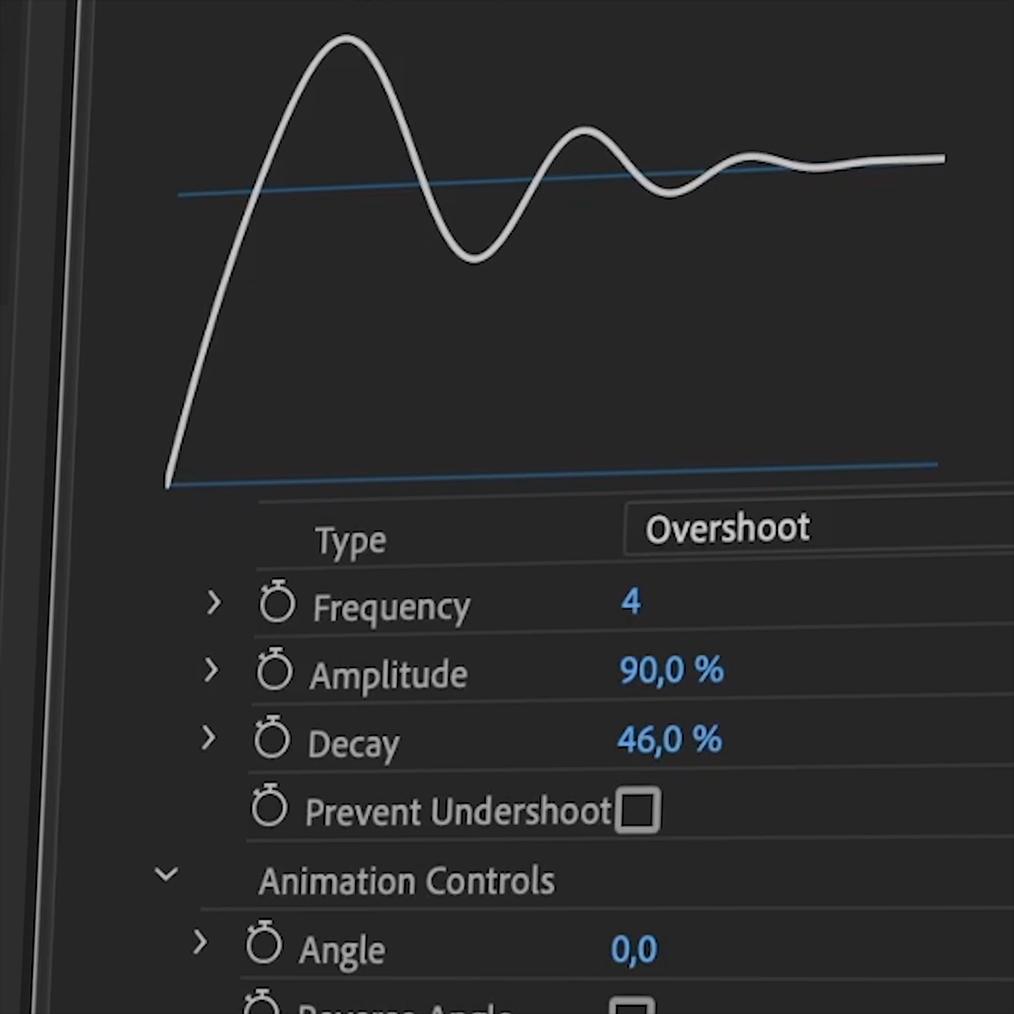
Today we've released the brand new Film Impact 4.4 update. This major update includes three new video transitions, vast performance updates, and exciting new features to our ever-growing library. Here's what’s new.
New Video Transition: Typewriter Impacts
Discover the amazing Typewriter Impacts video transition for Adobe Premiere. It works on any kind of text with a transparent background. Apply it to live-text created with the Essentials Graphics in Adobe Premiere itself, or use text from Photoshop or After Effects. Add a blinking cursor in a breeze. You’ll be blown away by the simplicity and cool features!
New Video Transition: Liquid Impacts
Liquid Distortion Impacts is a beautiful distortion effect that transforms your scene into the next in a creative way. Works well in many scenarios, from dream states to water transitions. Just play around with the Surprise Me! Feature to get started. Be sure to try this on text elements too.
New Video Transition: Phosphor Impacts
Get Phosphor Impacts — a stunning luma-based light transition for Adobe Premiere. This video transition is part of the Film Impact Lights and Blur Series. It comes with colorization and grunge options. Enjoy the entire range from extremely soft looks to animated crawling grunge looks. The colorization options are like playing with fire.
New Features
We are committed to improving your workflow every day. This is why we keep fine-tuning and adding new features to existing plugins. Here is what we've been working on:
Stretch Impacts: Multi-Angle Stretch
Stretch Impacts now supports Multi-Angle direction controls. We’ve also improved Chromatic Aberration.
Copy Machine: Cropping Options
Cropping Options now come with the Copy Machine video transition. Very useful when you’ve applied this video transition to text and graphics that partially cover your frame.
Motion Camera: Advanced Edge Behavior
Control the edge-behavior for Clip A and B separately. Motion Camera is one of our favorite smart tools for creating smooth and seamless video transitions. Having options like these ensure maximum versatility.
Luma Fade: Soft Edge feature
Soft-Edge options are now included in the Luma Fade video transition for Premiere. It will give that extra professional touch to this essential luma-based transition.
Big Performance Upgrades
The animation series is updated to make use of our dedicated new 3D Rendering Technology. Enjoy vastly improved rendering speeds of these popular dynamic video transitions. The following video transitions have been updated with significant speed improvements:
Continuing our mission to deliver you the fastest and most reliable GPU Accelerated plugins out there.
Have feature requests?
Reach out when you have ideas for new tools or would like to see more features to existing plugins. Again, we are committed to improving your workflow every day!
Enjoy Film Impact Version 4.4 :)
Many cheers on behalf of the entire Film Impact Team.

